

Blog, Zecurion Blog
Screen Watermarks and Screen Photo Detector | Zecurion
If an employee tries to send some sensitive data over communications channels or even share it outside the corporate network, he will receive a long conversation with Security Officer, who will be notified straight away (with the Next Generation DLP) or after a threat became an incident (usually with the ordinary DLP). Knowing this, an employee might go two ways instead.
- Make a screenshot and send it peacefully.
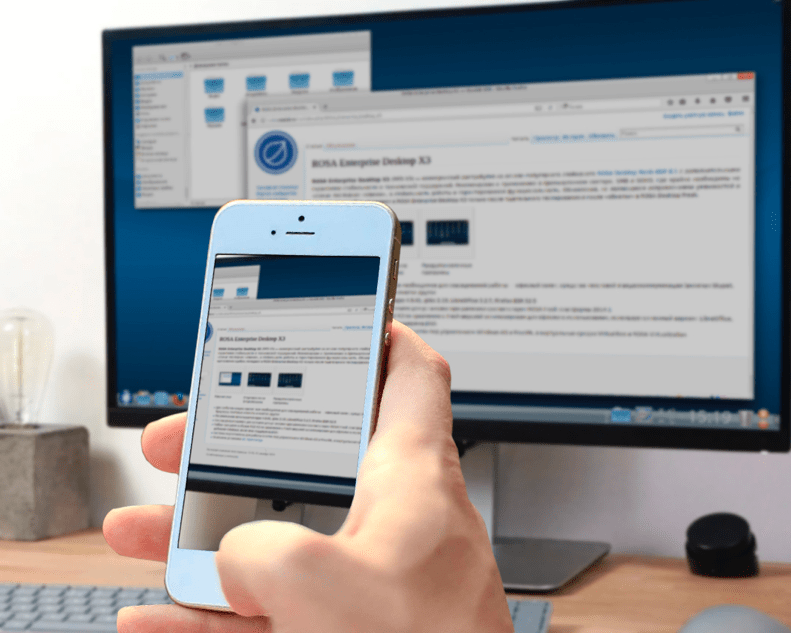
- Take a picture on a personal phone to take the information he needs with no risks.
Both actions will be managed by Zecurion Next Generation DLP. Let’s see how.
Zecurion Screen Watermarks
The Security Officer can set watermarks with the user’s name, PC, and date over specific windows (e.g., MS Office, CRM, and others). The screenshot will initially show all information, when, and by whom it was created. This feature will make users reconsider their further actions.

If circumstances require more strict measures, the Security Officer can block the option of screenshots on the user’s PC.
Screen Photo Detector
Whenever someone tries to photograph a screen with a smartphone, this AI-based Zecurion DLP feature immediately detects it via webcam and blocks the computer.


Easy-to-use and Easy-to-implement Enterprise DLP
Enjoy 4 times faster installation compared to other enterprises DLP; Perpetual licenses from $60 реr user; 50+ preinstalled reports and 20+ customization options
Know More, Risk Less
Get a free demo to discover how Zecurion Next Generation DLP solutions help organizations prevent insider threats.
Comments are closed
Read Next:


